
Writing Articles That Elvin Copilot Actually Understands
Elvin Copilot is only as good as the content you feed it, and it only knows what it needs to know. You can write the most detailed, comprehensive articles in the world, but if they're not structured in a way AI can parse and use effectively, your users will get vague, incomplete, or confusing answers.
The good news? Writing for AI isn't rocket science. It just requires rethinking how you approach documentation. Instead of writing articles that look good in your knowledge base, you need to write articles that Elvin Copilot can actually work with.
Think Problems, Not Features
Users don't search for abstract concepts like "Account Configuration Settings." They search for specific solutions: "How do I change my email address?" or "Why can't I log in?"
Organize your articles around real questions people ask, not around your product's internal structure. Before writing anything, ask yourself: what exact problem is this person trying to solve? If you can't answer that in one clear sentence, you're not ready to write yet.
Build Self-Sufficient Paragraphs
Elvin Copilot doesn't always pull entire articles to answer questions. Often, it grabs just one or two paragraphs. Those paragraphs need to make complete sense on their own, without relying on surrounding context.
"Yes, this feature is available on Pro plans."
"Two-factor authentication is available on Pro and Enterprise plans. You can enable it by navigating to Account Settings > Security and toggling on the 'Two-Factor Authentication' option."
Notice the difference? The good version restates the topic, includes the answer, and provides actionable steps. Someone could read just that paragraph and have everything they need.
Apply this rule everywhere: restate what you're discussing in every paragraph. Don't write "This takes 48 hours." Write "Password reset requests are processed within 48 hours." Don't write "Click the green button." Write "Click the green 'Confirm' button at the bottom of the payment page."
Eliminate Contradictions Ruthlessly
When multiple articles say different things about the same topic, Elvin Copilot becomes unreliable. It will randomly select information from one article or another, giving users inconsistent answers.
Find every instance where your documentation contradicts itself. Different processing times for the same action. Different steps for the same task. Different requirements for the same feature. Pick one version as your single source of truth and consolidate or remove everything else.
If information must exist in multiple places, it needs to be identical. Better yet, create one authoritative article and link to it from everywhere else that mentions the topic.
Write in Plain, Natural Language
Elvin Copilot processes conversational language better than corporate jargon or technical terminology. Simpler language also helps your human readers.
"Proceed to the administrative dashboard interface to modify user access permissions."
"Go to the Admin Dashboard to change user permissions."
The second version is clearer, shorter, and easier for both humans and AI to understand. When you catch yourself using complex terminology or formal language, stop and rewrite it like you're explaining it to a colleague over coffee.
Structure Content for AI Navigation
Make Headings Descriptive
Headings act as signposts for Elvin Copilot. "How to Update Payment Information" clearly indicates what the section covers. "Step 2" provides no useful information at all.
Every heading should be specific enough that someone scanning your article could understand the content just from reading the headings.
Keep Paragraphs Short and Focused
Aim for 2-3 sentences per paragraph. Elvin Copilot processes information in chunks, and shorter chunks produce more accurate responses. If a paragraph is running longer than three sentences, you're probably covering too much ground and should split it.
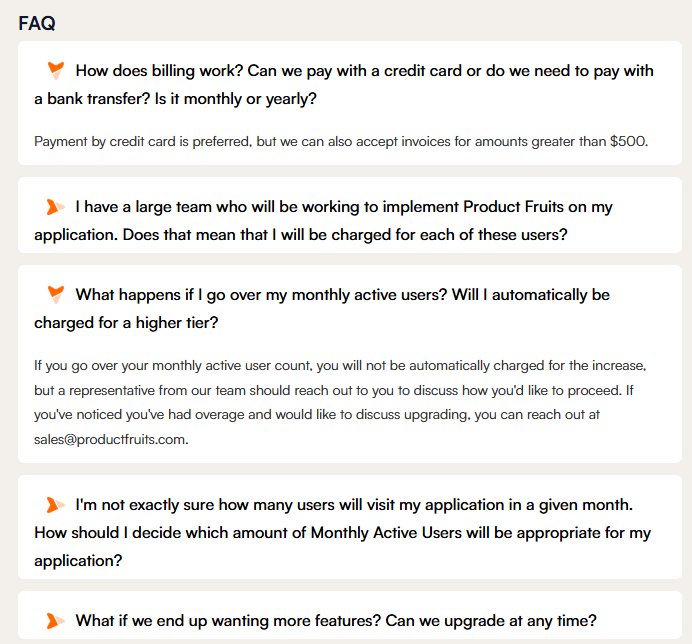
Add FAQ Sections
FAQ sections are incredibly valuable for AI. They mirror exactly how users ask questions, making it easy for Elvin Copilot to match queries with answers.
Add 3-5 frequently asked questions to every major article. Format them clearly with the question as a heading and the complete answer immediately following.
Prioritize Plain Text
Elvin Copilot reads plain text reliably but struggles with tables, images, and embedded media. If you need a table, keep it extremely simple. If critical information only appears in an image, make sure that same information exists as text somewhere in the article.
Follow Consistent Content Rules
Use the same terms everywhere. If you call something a "workspace" in one article, never call it a "project space" or "work area" in another. Elvin Copilot treats these as completely different things. Create a terminology guide and enforce it.
Include natural variations. People search using different terms: "sign in," "log in," "login." Incorporate these variations naturally throughout your content so Elvin Copilot can connect them to the right information.
Delete outdated content completely. Elvin Copilot can't tell the difference between current instructions and deprecated ones. When something changes, update or remove the old content immediately. Don't leave outdated articles marked as "old version" sitting in your knowledge base.
Explain every concept you mention. Don't assume users have read other articles or have context from elsewhere. When you reference a feature, briefly explain what it does: "Enable SSO (single sign-on, which lets users access multiple applications with one set of credentials) in your security settings."
Start Small and Targeted
Don't attempt to overhaul your entire knowledge base at once. Focus on high-impact areas first. Identify articles where Elvin Copilot consistently struggles: topics with low satisfaction ratings, questions that generate follow-up support tickets, or subjects your support team flags as confusing.
Fix your top 10 problem areas first. This creates visible improvement quickly and builds momentum for broader optimization.
 Critical: assign clear ownership of your knowledge base. Someone needs to be responsible for keeping it current and well-structured. Without dedicated ownership, even perfectly written articles become outdated and useless over time.
A Simple Implementation Process
First, identify problem areas. Use analytics to find your worst-performing articles. Check satisfaction scores, review Elvin Copilot's response accuracy, and get input from your support team.
Second, split unfocused articles. If an article tries to cover multiple topics, break it into separate, focused pieces. Each article should have one clear purpose.
Third, rewrite for clarity. Add FAQ sections. Remove jargon. Make paragraphs self-sufficient. Incorporate natural terminology variations. Explain concepts inline.
Fourth, measure results. Track user feedback on Elvin Copilot responses. Monitor satisfaction scores and support ticket volumes. Establish regular review schedules to keep content fresh.
This approach delivers quick wins while building a foundation for ongoing improvement.
The Long-Term Payoff
Organizations that structure their knowledge bases properly see immediate results: significantly better AI accuracy, fewer repetitive support tickets, faster problem resolution, and higher overall user satisfaction.
The real advantage compounds over time. Well-structured articles keep working indefinitely. Traditional support scales linearly with team size and hours. Optimized knowledge bases scale exponentially as more users access them.
Your knowledge base is becoming the foundation of every AI interaction in your product. Companies that invest in proper structure now will deliver dramatically better experiences than those trying to fix problems later. The question isn't whether AI-powered support will become standard. It's whether your documentation will be ready when it does.